+966 11 208 6999
Learning resourcesBlogBook a meeting
MstndMstnd logo
Home
PricingAboutContact us
Try free nowGo to Mstnd
Integrations & API

Connect your documents to your existing systems instead of building a new tech island

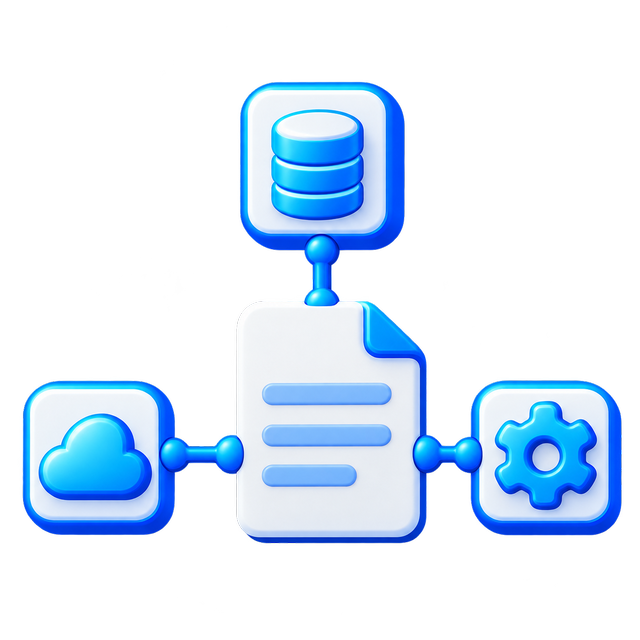
The invoice is in ERP, the employee contract is in HR, and the project letter is in another system. Through the Mstnd API, you can sync documents and data across systems, then benefit from Mstnd's search, analysis, permissions, and archiving capabilities without repeated manual entry.
Discuss integration requirements with the Mstnd teamStart free

How does a document management system integrate with ERP and HR?

Mstnd integrates with enterprise systems via an API and dedicated connection keys. An external system can create a document, update its data, or sync a file and its fields, while Mstnd handles content management, search, permissions, and lifecycle. The integration scope is defined based on the system and the operations required.

The problem

An invoice is created in ERP, then an employee downloads it and uploads it manually to the document system and re-enters the supplier number, date, and value. If the data changes in the source system, the Mstnd copy stays outdated, and manual reconciliation between two systems begins.

How Mstnd solves it

The API links the two systems so the document and its data move or update according to the agreed event. ERP stays responsible for the financial process, while Mstnd handles search, permissions, workflow, archiving, and analysis without re-entering the data.

The result

Consistent data, fewer entry errors, and the benefit of Mstnd's capabilities without isolating existing enterprise systems.

When systems work separately, data is duplicated and the reference copy is lost

An invoice may be issued from ERP and then downloaded manually by an employee into a folder, or an employee contract created in HR with another copy saved in email. With every manual step come the chances of forgetting, duplication, and differing data, and the team doesn't know which system holds the final copy.

Replacing every system isn't a logical solution. It's better for each system to play its role, with the document and required data moving in an organized and secure way.

Mstnd as a central layer for enterprise content management

ERP integration

A flow can be designed to send invoices, purchase orders, or contracts from ERP to Mstnd, along with their number, supplier data, amount, and date. The copy becomes searchable, archivable, and linkable to permissions and approval paths without manual re-uploading.

HR integration

Employee contracts, letters, and job documents can be synced from the HR system to the employee's folder or the relevant department, and linked to expiry dates, reminders, and access policies.

Integration with other operational systems

Project platforms, CRM, or government and enterprise service systems can be connected depending on the availability of their interfaces and the project scope, to create or fetch documents or update their status and link them to the right record.

API keys and access management

The integrations module provides management for API keys and documentation for developers. Each integration should be granted the least permissions it needs, its operations monitored, and its environment and system keys separated according to the organization's policy.

Integration scenario examples

  • Automatically save an approved invoice from ERP into Mstnd.
  • Create an employee folder and link their contract and letters from HR.
  • Update a document's status in the source system when its approval is completed in Mstnd.
  • Send a document to a review path as soon as it's created in another system.
  • Return the document number or reference-copy link to the source system.
  • Sync renewal dates with the calendar or alerts system.

What to define before building the integration

  • The system of record for each type of data.
  • The direction of sync: to Mstnd, from it, or both ways.
  • The event that starts the process, such as approving an invoice or creating a contract.
  • The fields and files that move between the two systems.
  • Permissions, the authentication mechanism, and logs.
  • Handling conflicts, failures, and retries.

Frequently asked questions

Does Mstnd provide an API?

Yes. Mstnd provides a documented API and management for API keys to build integrations with other systems according to permissions and project scope.

Is there a ready-made integration with every ERP system?

Mstnd provides a library of pre-built connections and integrations, and custom integrations can be built with ERP and HR systems depending on the system in use, its interfaces, and the fields and operations required.

Can files and metadata be synced together?

Yes, the integration can be designed to move the file and its associated fields such as number, date, party, status, and category, depending on what both interfaces support.

Does Mstnd replace ERP or HR?

No. The operational system stays responsible for its core processes, while Mstnd adds a specialized layer for document management, search, permissions, workflow, and archiving.

How do we secure the integration?

By using separate keys, the least permission scope, encrypted communication, verifying every request, logging operations, and rotating keys according to the organization's security policy.

Don't move documents manually between systems.

Share your systems architecture and we'll define the right integration scope with Mstnd

Related features

AI SearchDocument Expiry TrackingDocument Security & Encryption
Mstnd logo

A cloud document management system built for companies and organizations in Saudi Arabia.

Product

  • Features
  • Pricing
  • Industries
  • Integrations

Support

  • Contact us
  • Contact Sales
  • Book a meeting
  • Learning resources

Company

  • About
  • Blog

Legal

  • Privacy
  • Terms

Information

Unified Company Number
7037370603
National Address
RADC3385, Al Nada District, Riyadh 13317
Detailed Address
3385 Al Thumamah Street, Building 8398, Saudi Arabia

Accreditations & Partners

Communications, Space & Technology Commission
Saudi Business Center

All rights reserved © 2026 Unique Content for Information Technology

LinkedInXInstagramYouTube
Developed byUC Tech logo
Chat with us on WhatsApp